On 7th October 2022, me and other four colleagues signed up
for a Game Jam,
#Everygamercounts, organized by
Goethe Institut. There were several
other teams from Bucharest who took part in this
contest, two of which were from George Cosbuc National Bilingual
College, my team's place of study.
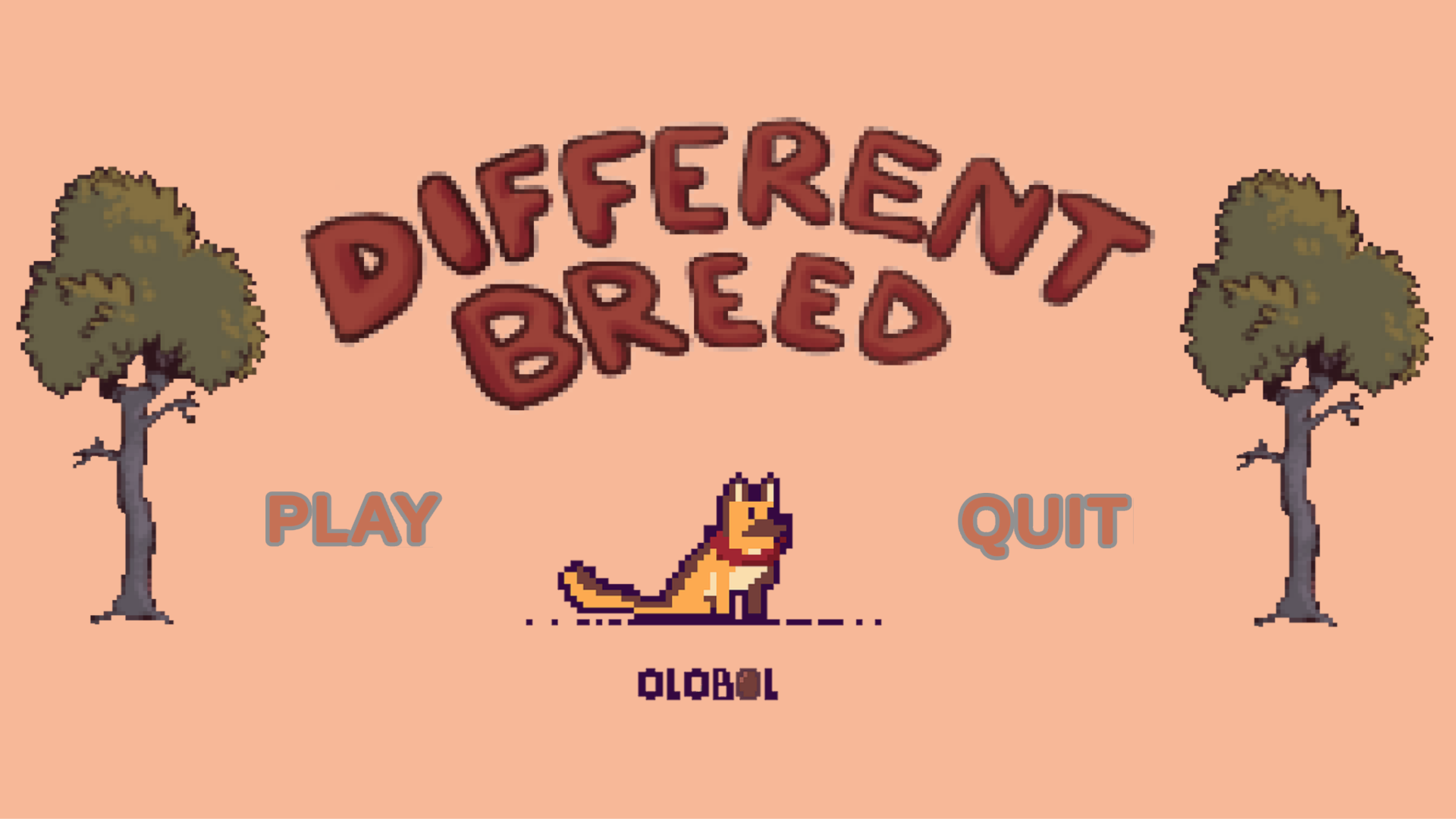
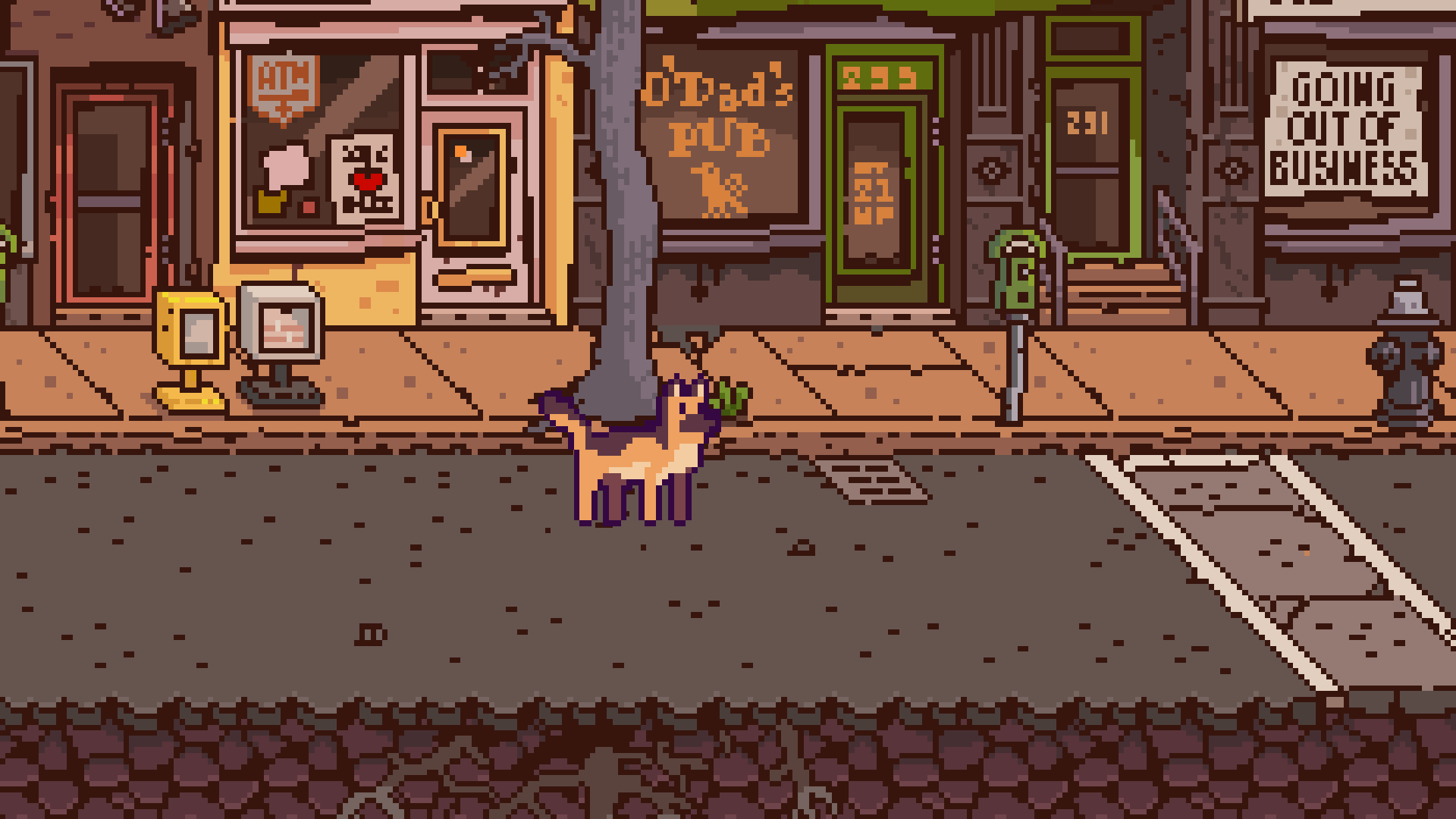
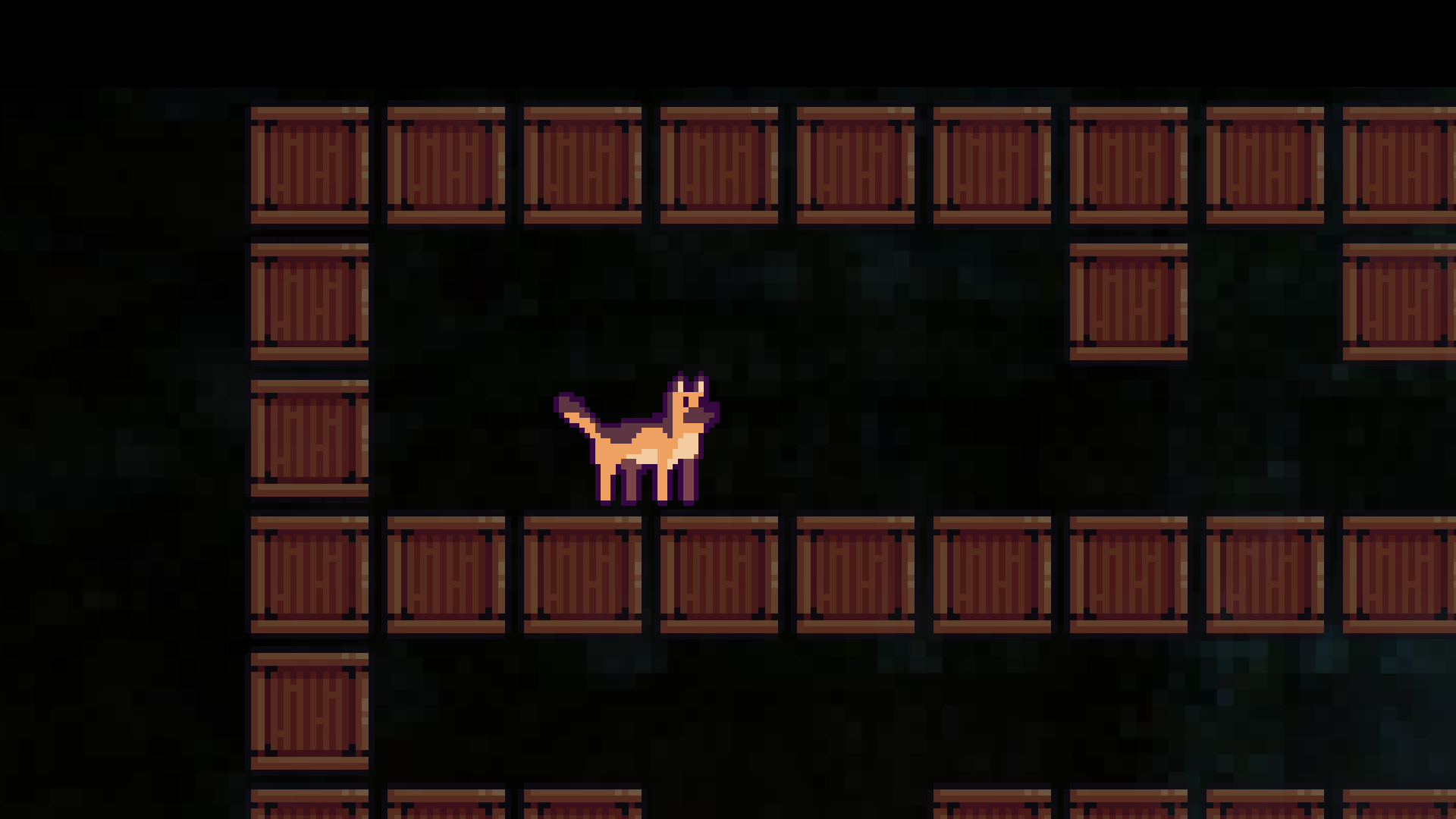
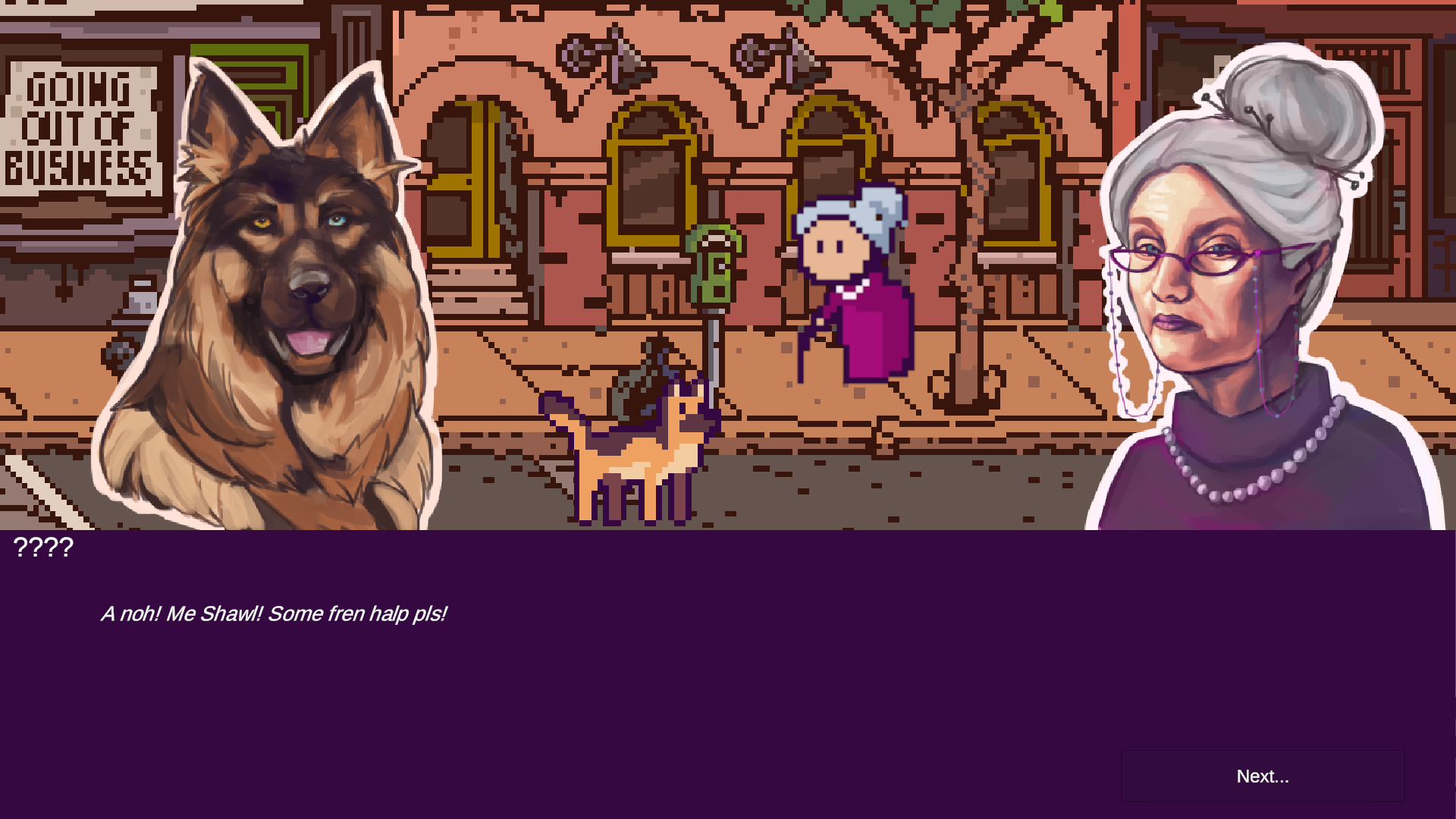
My team, OLOBOL, created the game entitled "Different Breed", which features
multiple social problems from our everyday world. After being given
the theme, Inclusion and Diversity, based on which every team
had to create their own game, we came up with this great idea of using
a dog as a playable character (and not a human being). This was
because animals, unlike human beings, do not judge others based on
their differences.
In spite of the fact that this was our first Game Jam, we succesfully
submitted our game within the 48h time limit and mananged to win the
tickets for the trip to Berlin. Furthermore, we are all looking
forward to participating in future competitions related to game
development.
Different Breed
This is the original Windows version of the game with which we competed in the Game Jam: download.zip/V1.
This is the updated version. We fixed the menu and other bugs: download.zip/V2.
If you weren't able to run or play the game successfully, try reading this readme.md file.
Game Details
Developed by:
Sorin Tudose, Stefan Burlacu, Daria Burciu, Ana
Diao and Lara Godonoaga.
Contact: @s_o_r_i.n / @ste.fan.ut_ / @poison.flurry / @_.1ana.maria7._ / @god028_
Github
 -
GameJam2022_Repository
-
GameJam2022_Repository
Software - Unity / Pixel Studio